What’s New from Apple
Posted: September 25, 2015 Filed under: Technology | Tags: 3D Touch, Apple, Apple TV, Apple Watch, iOS9, iPad Pro, iPhone Leave a comment Apple just made their always-anticipated September product announcements. Featured this year were the iPad Pro, new iPhones, Apple TV and OS 2.0 for Apple Watch. There are many summaries you can read about the details, including:
- ‘Hey Siri’ Event Roundup: iPhone 6s, iPad Pro, New Apple TV and More
- Apple Unveils iPhone 6S, and Breaks Own Taboos With Other Offerings
- Everything Apple announced at its September 2015 event
The upgrades are interesting, but are not compelling me to purchase the new devices, at least in the short term. I made the following post on Facebook…adding up the cost of all of the new devices and making a comparison to a desktop computer purchased 17 years ago.

Certainly I enjoy the camera technology, and the camera and video technology upgrades look interesting. Apple TV and, specifically, the remote are nice (and overdue) improvements.
Here are my key takeaways:
- The iPad Pro could become my replacement for my home laptop. Its screen is larger and has a much improved keyboard (compared to third-party devices). Besides, my trusty five-plus-year-old MacBook has been sitting on the floor in my office for at least two months without me turning it on. Why? There isn’t anything I have had to do on it that I couldn’t do with my iPad or an occasional simple task on my work laptop (create a bike route, type something, fill out a longer form or interact with a legacy (non tablet friendly) website). Data is in the cloud. Devices sync wirelessly to the cloud or they don’t need to sync.
- The iPhone will become a new standard. The camera and 3D Touch, improved glass and additional hardware features are nice.
- The biggest improvements are iOS9 software-related. In particular, the multiscreen presentation on the iPad and 3D Touch navigation on the iPhone. This creates new possibilities for application developers and increased ease of use in a variety of situations.
But when is good enough good enough? I’m sensing a topic for my next post.
Design Matters
Posted: September 8, 2015 Filed under: Innovation, Technology Leave a comment For a dozen years or more, I have used Associated Bank’s ATM machines. After selecting “English,” the screen says “retrieving preferences.” What a strange message. I don’t recall ever setting preferences, and if I did, wouldn’t language have been a preference rather than a separate selection? And If I hadn’t set preferences in the past, it certainly wasn’t intuitive how to set them now.
This bothered me. It was inefficient that I always had to answer the same questions. Every. Single. Time. What language? What account? Receipt or no receipt?
Lo and behold, my wife enlightened me just a few weeks ago. Apparently, you have to select “next screen” and after pushing a few more buttons, you’ll find a place to set preferences. I finally set my preferences, only a decade or so too late! Some may disagree, but I don’t think I’m that oblivious that I couldn’t have figured it out at some point. The only logical explanation is that it is poor design.
If a reasonably intelligent, high volume user is struggling, there’s got to be a better way. Couldn’t the machine learn customer preferences? My behavior makes it really easy—I always answer the questions the same way. What about a simple prompt that asks if you would like to set preferences, and then gives the choices of “yes,” “no,” or “don’t ask again?” Could it ask if I would like to save this transaction as a favorite or default?
I wonder if anyone has ever checked what percentage of ATM users have set preferences. I’m guessing it’s very small, putting me in the majority who repeatedly go through the same questions each time that don’t add any value to the transaction. It’s not like ATMs have changed much over time—they do the same basic withdrawals, deposits, transfers and balance inquiries they’ve always done.
Understanding the customer experience and how to design an interface that is simple, understandable, and without extraneous required inputs doesn’t have to be that hard. Saving your customers years of frustration is worth it.
Visiting Mister Softee*
Posted: August 17, 2015 Filed under: Technology | Tags: Microsoft, Power BI Leave a commentA few weeks ago I visited Microsoft’s Redmond campus for the second time. August 2007, a short eight years ago, was the first. Some things had changed—the presentations were more business solution focused and demonstrated some impressive capabilities (more on that later). Some things hadn’t changed—the experience still seemed impersonal and feature/function focused.
It made me think how different our technology landscape is today than it was then. Here are a few highlights.

Microsoft and their leadership team is pushing rapidly to drive user adoption to a full cloud Microsoft offering. During our meetings it was all about online experiences across productivity tools (Office 365, operating system, PC and Mobile devices) as well as backend systems (corporate applications, databases, and related tools like email, security, identity, access management, etc). They provided two powerful examples of leveraging this technology, one from their legal department and one from their finance department. Matter Center demonstrates collaboration across organizations leveraging multiple communication and collaboration tools. Checkout the video in the link above. This is the environmental context for thinking about how our technology expectations have changed.
PowerBI is their cloud-based data visualization platform. The technology was most impressive and demonstrates next generation of tools coming available in this space. Key benefits included the ease of use, its catalog method, familiar features and natural language query. Even more impressive, however, was how it has remade their finance function into providers of high value consulting to their business leaders. No longer do they spend countless low value hours assembling slide decks and canned reports. Now, they help the business decision makers formulate questions and insights backed with a robust visualization of data. See Power BI for Finance and Microsoft Finance Leverages Power BI to Transform Reporting.
My takeaways from this Redmond visit were twofold. First, it really brought home how rapidly and radically our expectations for technology have shifted (as noted in the table above). Secondly, it painfully portrays the difficulty a company with Microsoft’s legacy, financial and talent resources has in changing its products, business model, organization and culture to meet the new expectations. This makes me examine the challenge of being in professional services (accounting, tax and consulting) and the resulting shift in expectations for an I.T. department. Do our clients (external and internal) realize the shift in expectations? Is there a sense of what is possible? What is our role in leading and facilitating change?
It reinforces my motivation of getting exposure to different industries, areas of the country and world, and different cultures. We must challenge our perspectives and work to understand how others have approached them. How does it map to our own personal, professional and organization’s outlook? As always, I have more questions than answers, but questioning the status quo is a solid first step toward transformation.
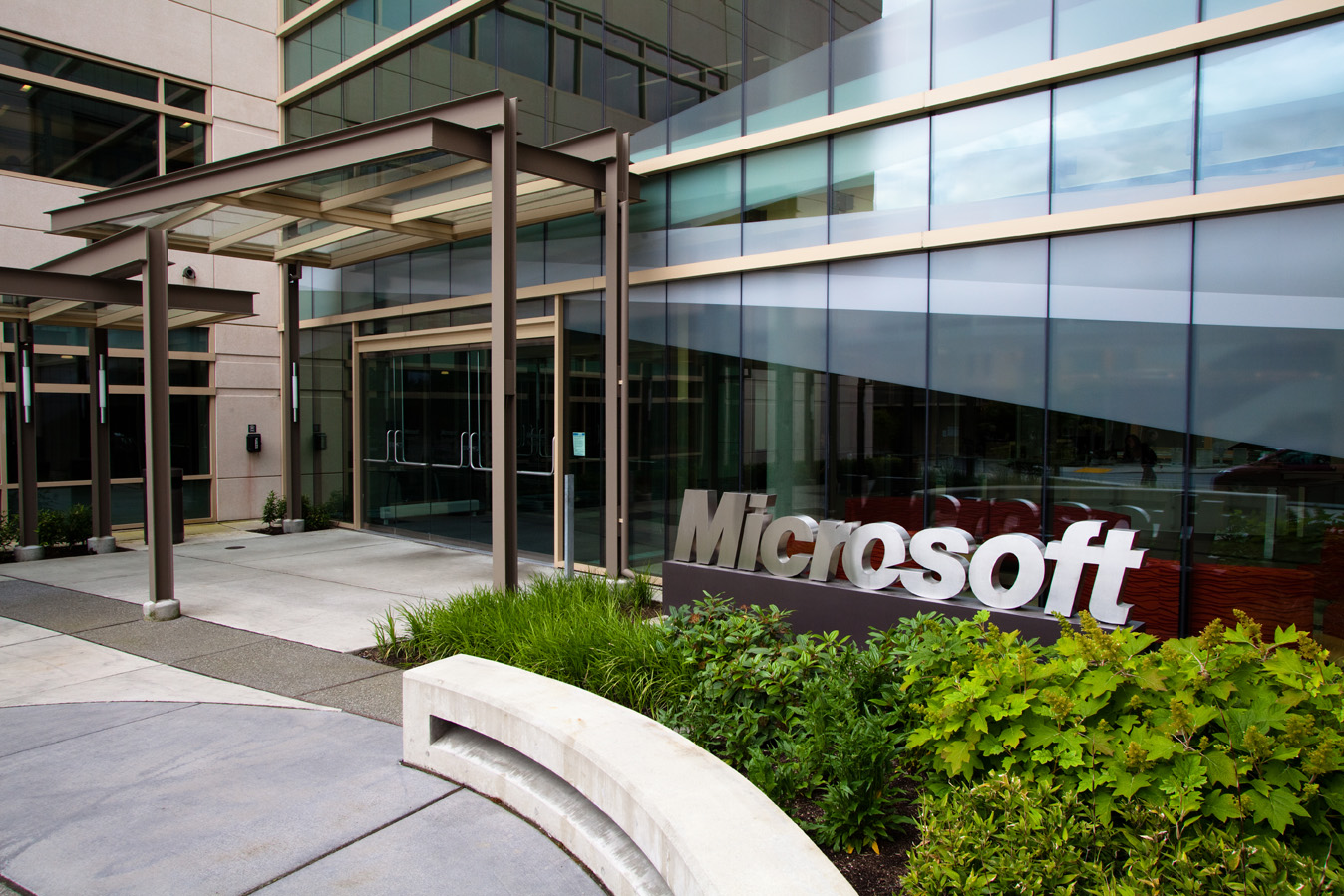
*Microsoft’s nickname of Mister Softee comes from its stock exchange symbol: MSFT.
 ZMAB15